 |
This article or section requires a cleanup in order to meet the Krunker.io Wiki's quality standards. Please edit this page to improve it. |
|
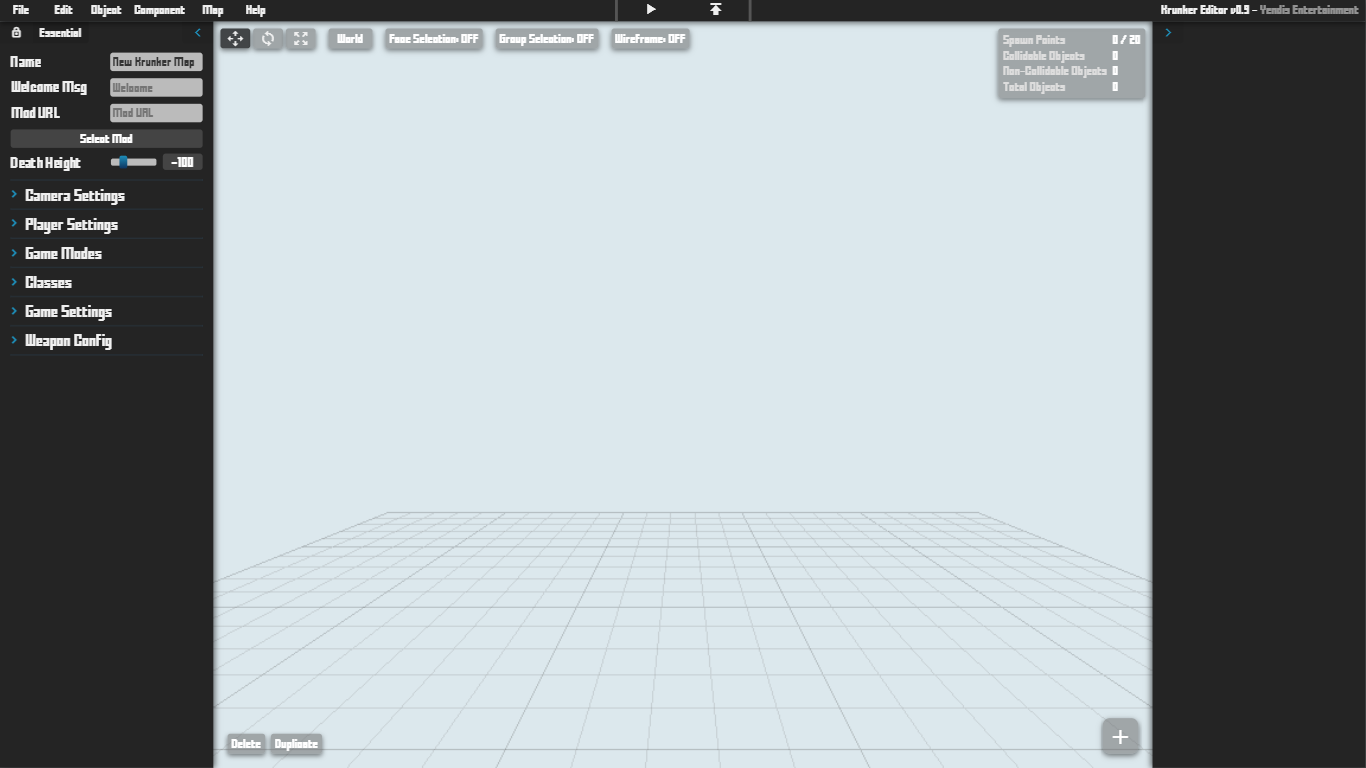
The map editor is the in-built way to create new custom maps and games in Krunker.io, serving as a simplistic and accessible way to create the playspaces of the game.
The editor allows users to create rudimentary spaces of static objects or, through the use of more complicated features such as triggers and gates, users can create animated and complex custom gamemodes and challenges for players to complete. With more features planned to come to increase the customizability of the games created, almost anything will be possible to bring to life.
Note: You can also join the Map Makers of Krunker discord channel, to receive further advice from the map-making professionals, and get access to the advanced map editor modifications.
NOTE:
- Once you upload a map to the game, it will, with rare exceptions, stay there forever! If you have made something you are not quite proud of, you CAN update it to make it better (DO NOT CHANGE THE TITLE IF YOU DO). Changing the title of a map to V2, etc. just creates a second map that's only slightly different, and clutters up the in-game map search more.
- In particular, troll maps are just not funny. Not when there are dozens of them, and they are all the same.
- Do NOT upload any maps that have ' (apostrophe) in their title! Due to a bug, they'll simply become un-openable in the actual game by any of the players.
- If you are unfamiliar with 3D editors of any kind, you may experience motion sickness or nausea, using the map editor enough will make you used to it, leading to no further problems. It is recommended you listen to music to combat this issue for some.
- Give credit where it is due. For example, if you hired a map-maker for a commission, or have done a collaboration with (a) friend(s).
Opening the map editor
In game
- Go to krunker.io
- On the left side, Click ´games´
- Lastly, click on Game´ Editor button
- The UI for the editor was changed, but only for a better experience. The function remains the same.
Direct Link
You can click on the direct link, or even put it in your bookmarks.

Notable issues:
- Walls aren´t solid!
Make sure the walls are Collidable, and don´t rotate them in any way. They must 100% completely symmetrical.
- The hitbox of my model doesn't match up with it's shape
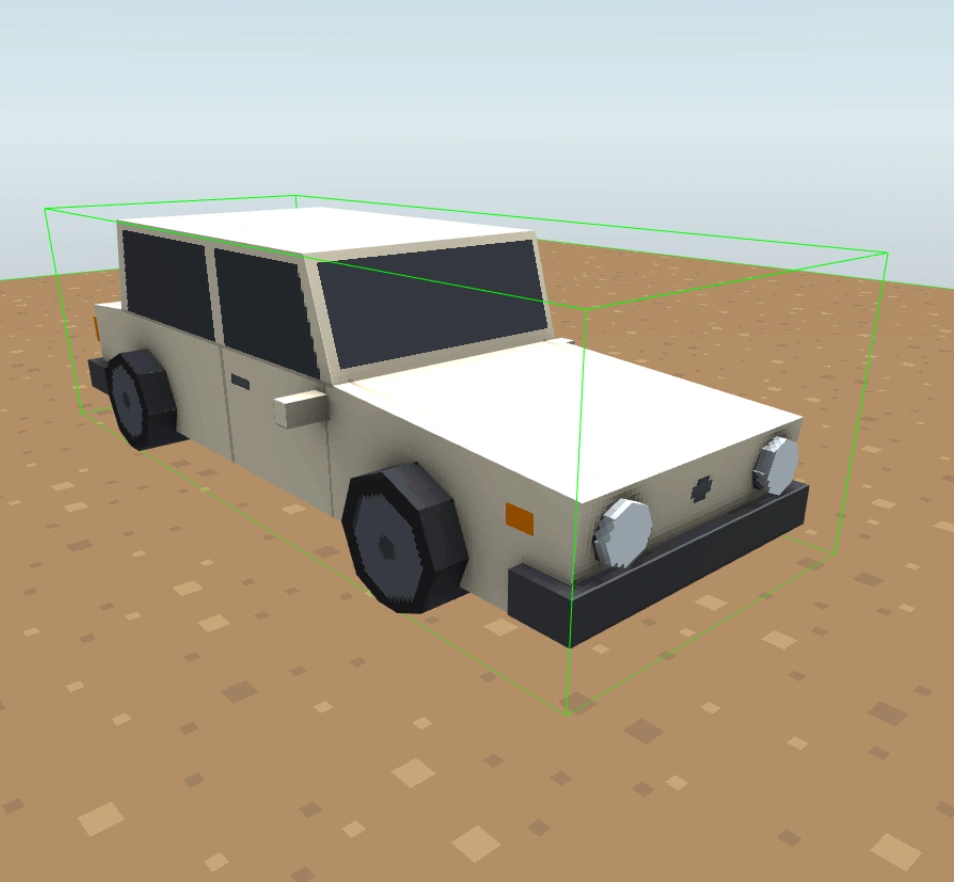
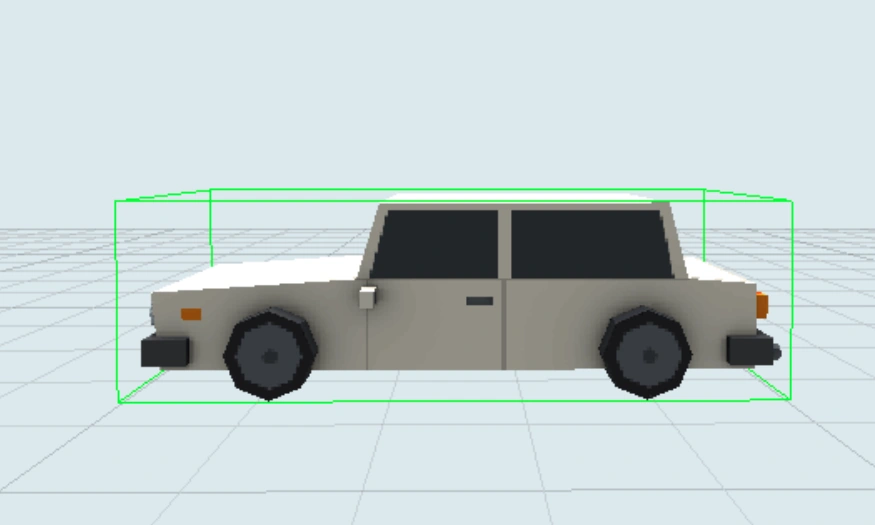
The green hitbox of the model is visibly different from its actual geometry. This means players in-game will be able to stand on a seemingly empty pocket of air at the front of the vehicle.
This issue occurs when you rotate an object from the Models tab of the Editor (ex: crate, vehicle). Due to a limitation of the Krunker Editor, the hitboxes of all models and objects stays the same while they are rotated. This can be seen while observing the object's green outline, which represents the actual space the model takes up in the map.
- I'm falling from the air or off the map when I spawn in
Make sure that when you select a spawn tool (objects --> zones --> spawn point from the drop-down menu), you keep the spawn point level to the grown facing whatever position you want.
- Import/Export doesn´t work
You would have to click export, and a file will be downloaded in your system. Make sure to save this file somewhere you can locate in the future. When you want to go back to work, click on the file, and a separate tab with our map text should show up. Make sure to copy the whole page (leave nothing out) and tap on the ´import´ button. Paste everything you copied in there.
- Why do other maps look better then mine?
For map-makers who are completely new, they usually make a flat surface and add stuff to it. Downloads of the official maps are available in the Map Makers of Krunker discord channel, and can be studied to look for inspiration, design elements, or examples of spawning mechanics.
- I can't get inside a Container
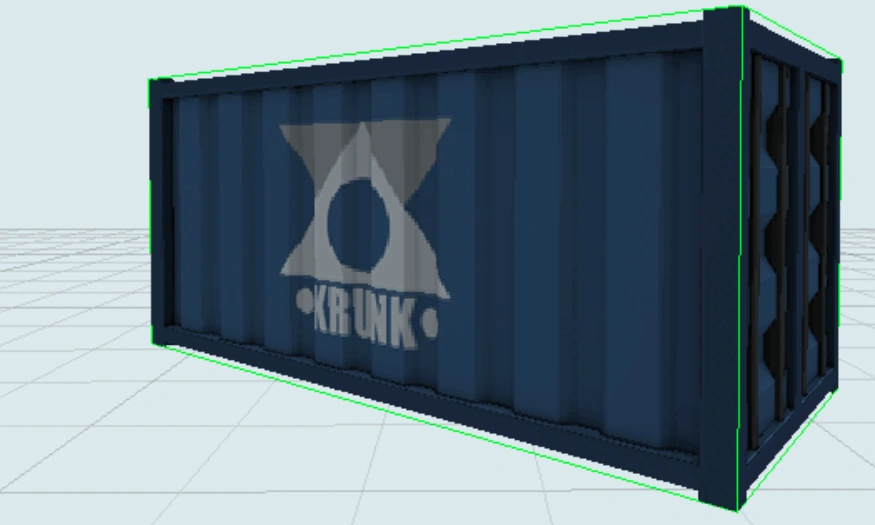
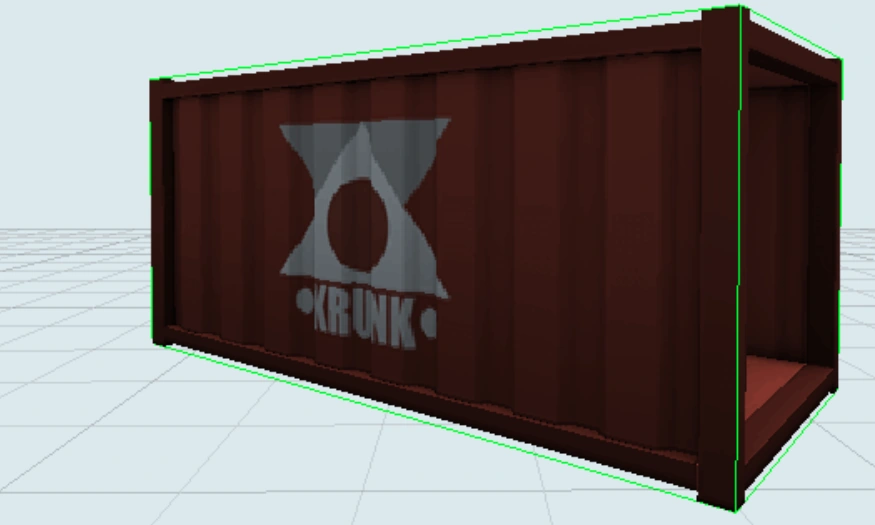
This is because the Hitbox is a Complete invisible cube. To get inside a container, Make it Non-collidable and then create walls on the four sides which excludes front and back. Then set the walls invisible.
Make sure to head over to the Map Makers of Krunker discord for more help, and inquiries.
Tools of the Krunker Editor
Triggers
The Trigger is used to perform actions based on player input and game conditions that can be specified.
Triggers start as a visible box that the player can walk through but cannot shoot through. In most cases, map creators prefer to make triggers invisible and indicate their presence with other means, whether it be particles or objects.
Terminals
A Terminal is a brother version of Trigger, but you will have to input a specific code to proceed with the actions. It has only made it's appearance in the 24-hour Antidote XVI event in Soul Sanctum, and since then the feature has been removed from the editor for further improvements.
Krunkscript
A custom scripting language developed by Krunker.io. It allows players and map makers to create almost anything in the Krunker editor and publish it. More information can be found here: https://krunker.io/helpdocs.html
Tutorials
This Following Playlist covers the most popular elements in Map Making section of Krunker.
https://www.youtube.com/playlist?list=PL1hP2-b0IPSCsWF2BbSjsYR5mvJTUSI6g
Moreover, Basic Tutorial Stuff is available on the Editor itself.

You can also find different player made tutorials on the editor, here are a few links;
https://www.youtube.com/watch?v=-LUB1Jn7lF0
https://www.youtube.com/watch?v=Ewtb2rBvg9g
https://www.youtube.com/channel/UCTagb2kYDhWNeicK3t5ewsA
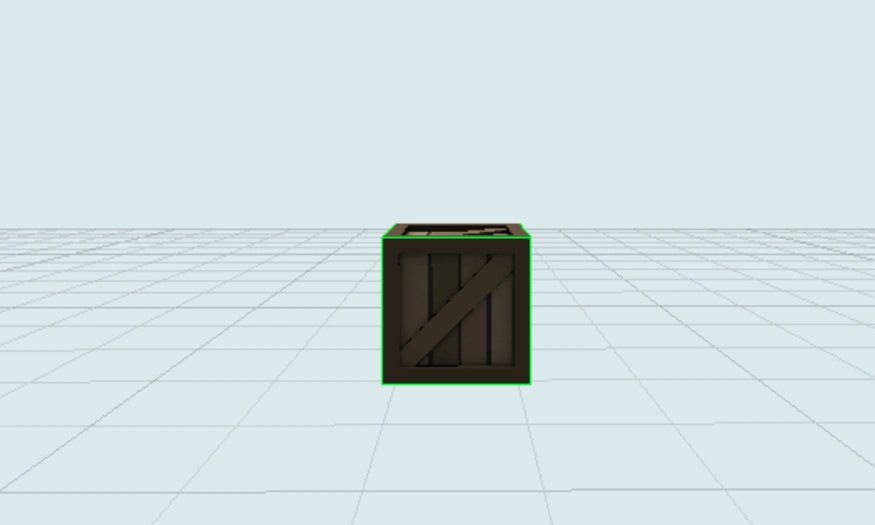
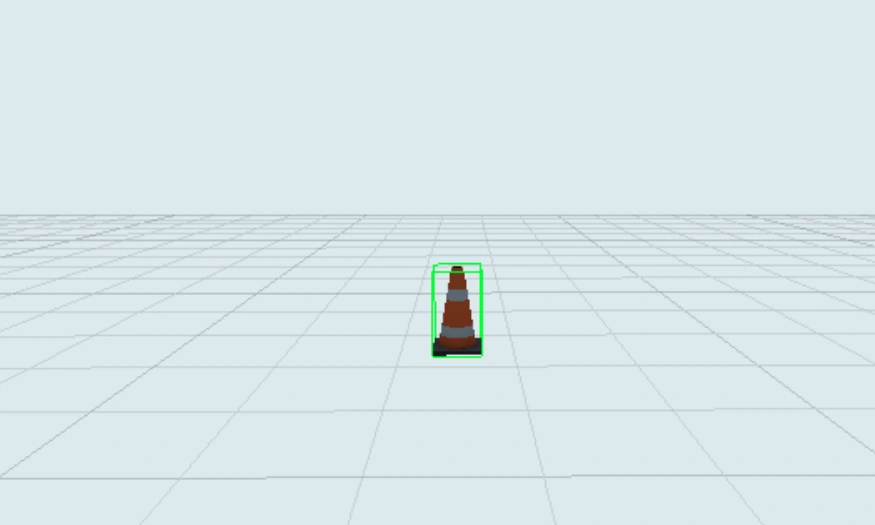
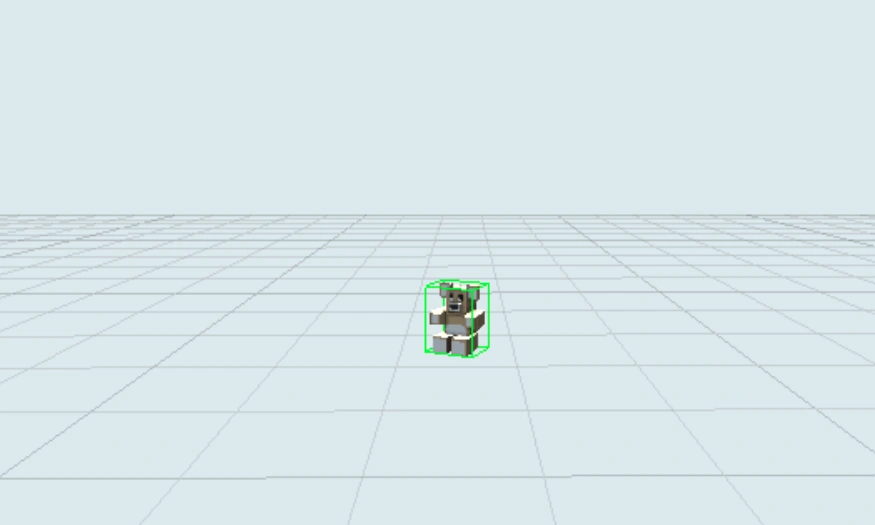
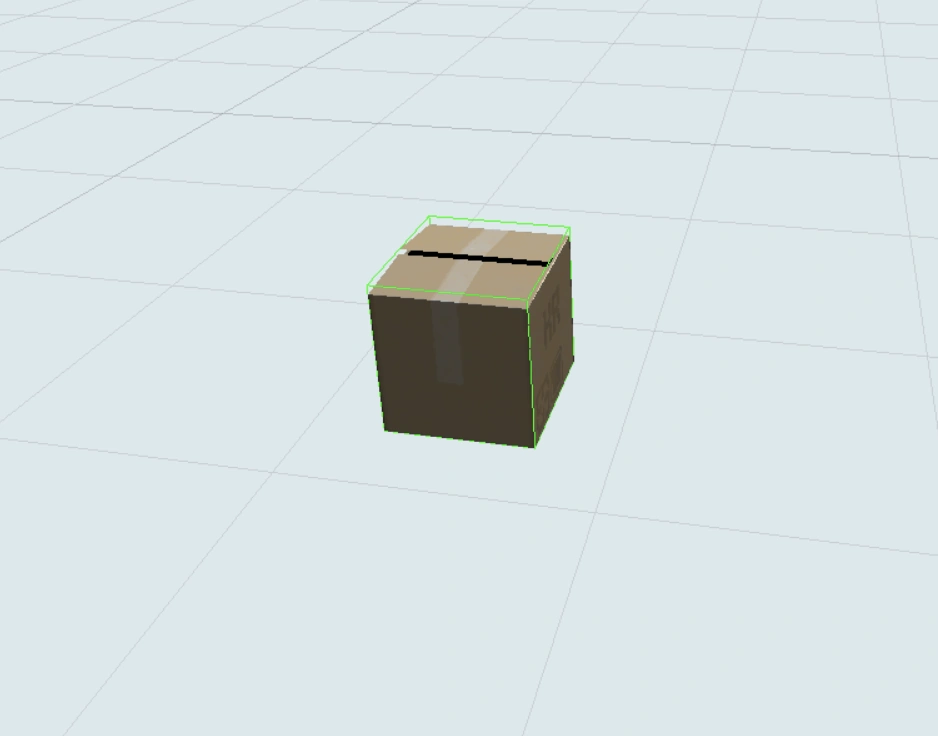
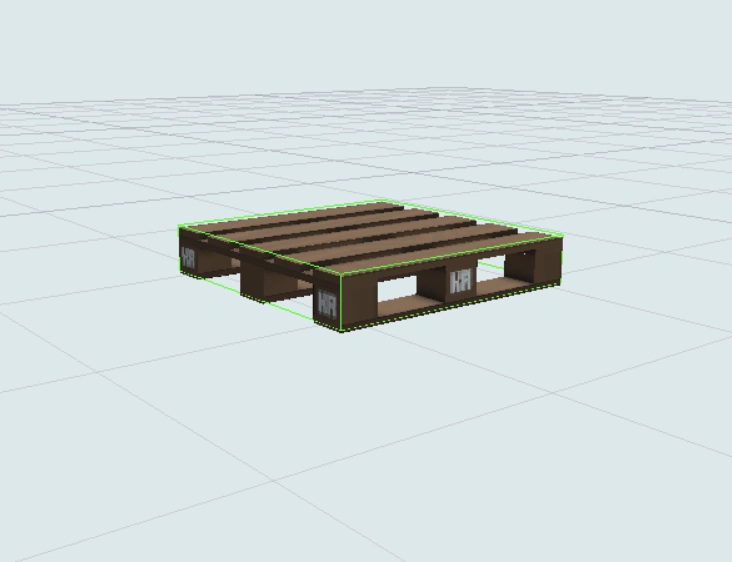
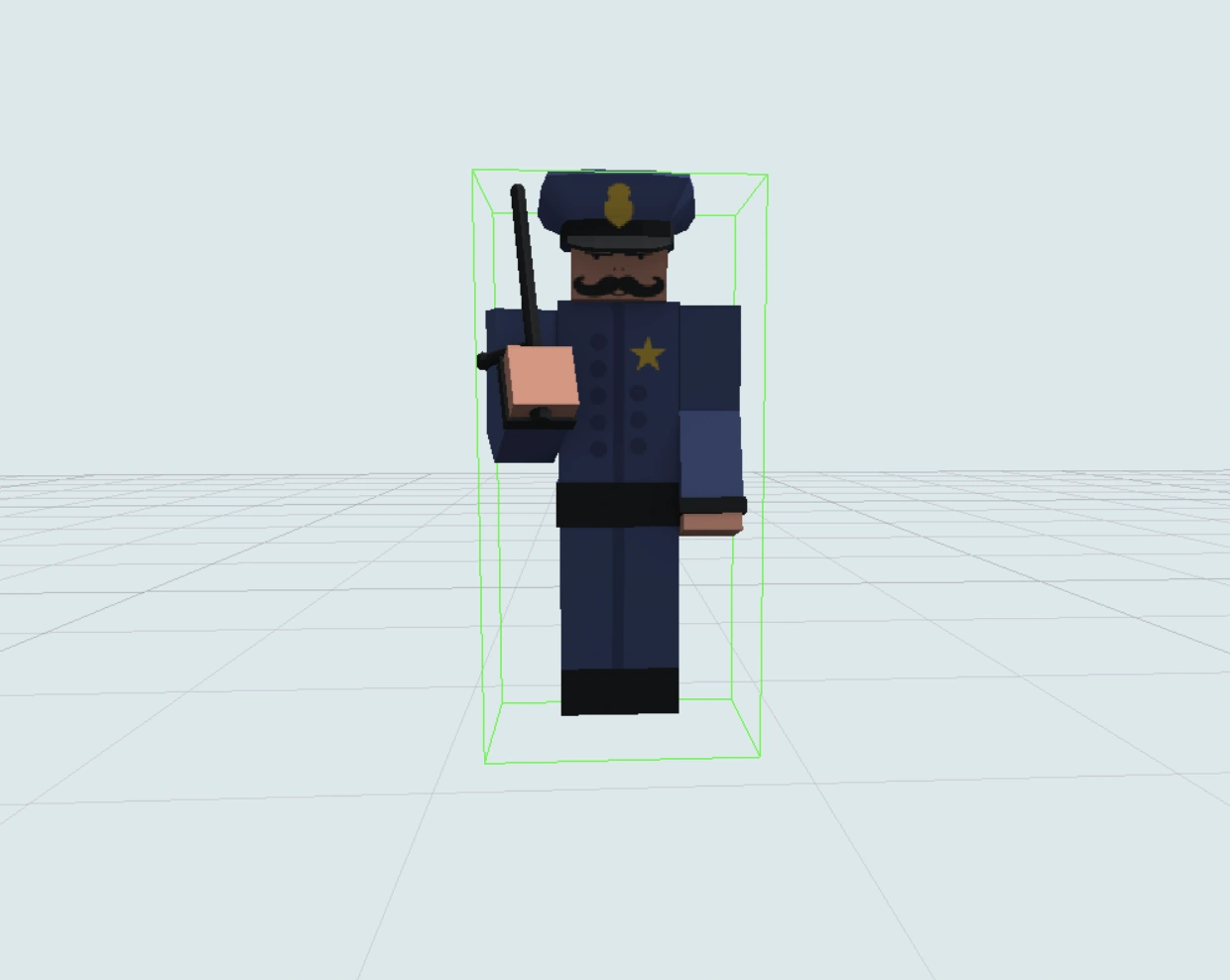
Basic Models
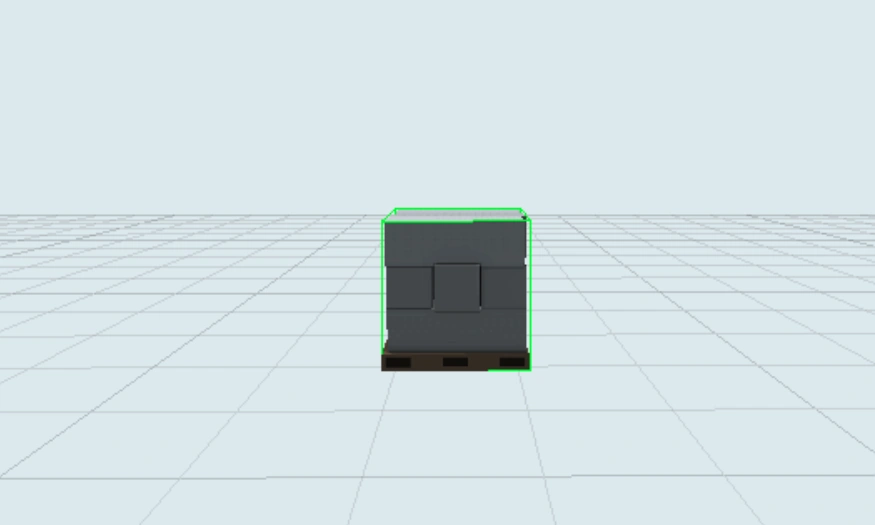
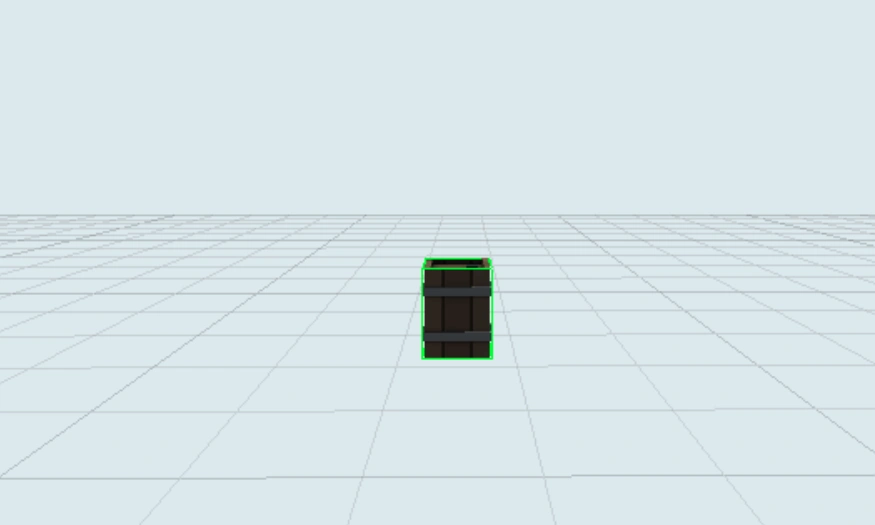
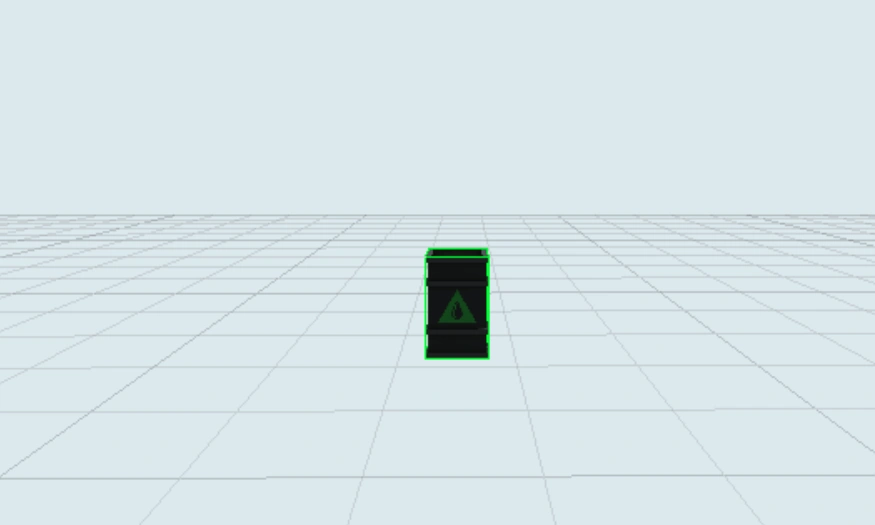
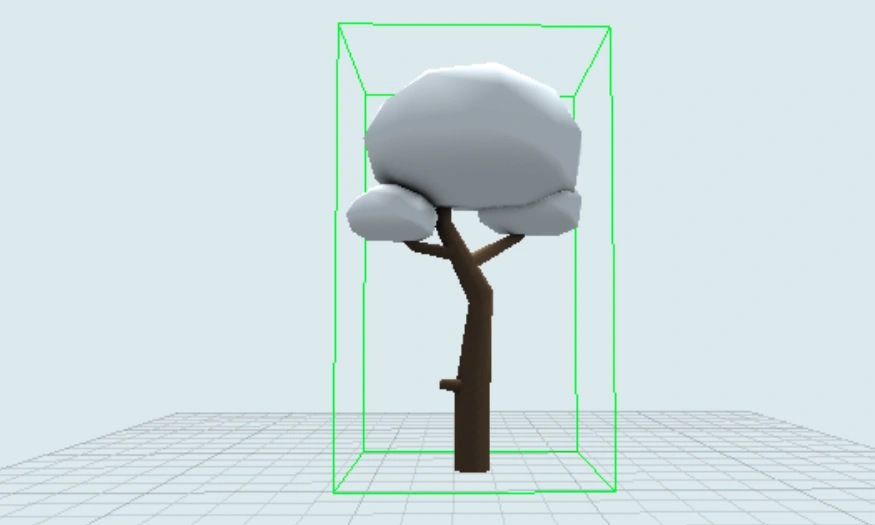
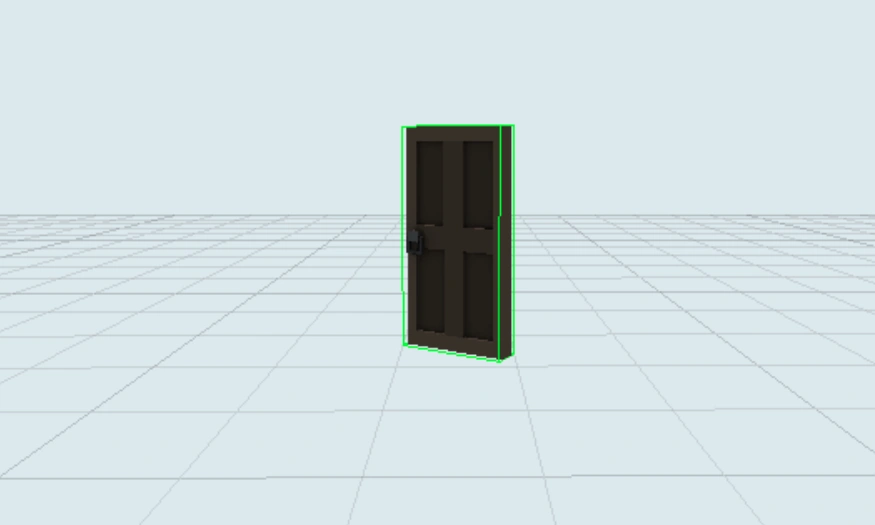
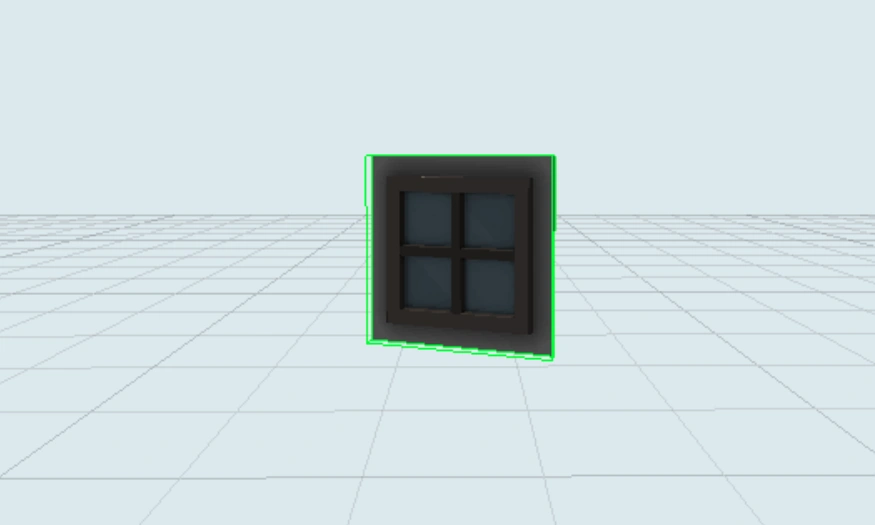


| Miscellaneous | |
|---|---|
| Special | Change Log • Rules • Social Media • Staff • Tutorials |
| Economy | Trading • Marketplace • Black Market • Premium • Skins • Shop • Krunkies • Seasons • Billboards • Backs • Dyes • Faces • Hats • Sprays • Waists • Wrists • Charms • Tickets |
| Game Stuff | Game Modes • Custom Games • Game Settings • Moveset • Scoring • Battlepass • Krunker Client • Seasons • Settings • Experience |
| Krunker Hub | Accounts • Clans • Tournaments |
| Maps | Map list • Map Editor Guide |
| Other | Krunker Client • Krunker Mobile • Events • Texture Viewer • Modmaking • Account Recovery |